Invoice Branding
Put your logo, license number and own terms on every invoice, quote and receipt.
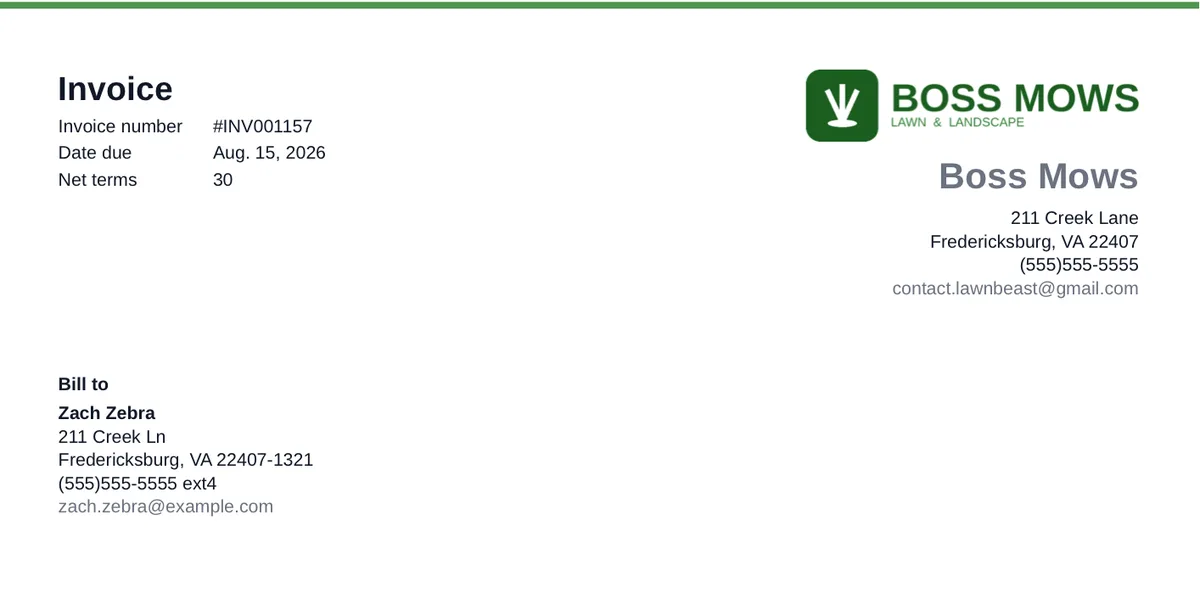
Your paperwork is the part of your business a customer looks at most closely, and by default it says nothing about you. Invoice Branding puts your logo, your license number and your own terms on every invoice, quote and receipt you send.
Who this is for
What it does
- Puts your logo on customer documents. Invoice and quote PDFs, the public pay page, and the invoice, quote and receipt emails.
- Makes the logo survive email. It travels inside the message itself rather than being fetched from a server, so it appears even for recipients whose mail client blocks remote images by default.
- Prints a license or registration line. Your number, with a label you write yourself — "License #", "Registration #", or whatever your state calls it.
- Prints a business tax ID or EIN. Off unless you switch it on, because most residential work has no reason to show one.
- Adds your own footer terms. A free-text line at the foot of invoices, quotes and receipts — payment terms, a thank-you, a late-fee note.
- Controls whether an invoice's note reaches the customer. A single switch decides whether the customer-visible note prints on the invoice PDF and the pay page.
- Shows you the result as you type. A live preview with Invoice, Quote and Receipt tabs, built from the real document layouts rather than a generic mock-up.
What you get out of it
Common questions
What file should my logo be?
A PNG, JPG, GIF or WebP up to 5MB. We re-encode whatever you upload, so it's stored at a consistent size and quality regardless of what came out of your designer's software. SVG files aren't accepted.
Will my logo show up in emails, or get blocked?
It shows up. The logo is sent inside the email itself rather than linked from a server, so it doesn't depend on the recipient allowing remote images — which many mail clients block by default. If a logo ever fails to load on our side, the email still goes out, just without it.
My state doesn't call it a "license number". Can I change the wording?
Yes. The label in front of the number is a field you write yourself — "Registration #", "Applicator #", "Cert. No.", whatever applies where you work. It defaults to "License #" and nothing forces you to keep it.
Can I show my license on some documents but not others?
Not selectively — the license and tax ID switches are all-or-nothing across invoices, quotes and receipts. That's deliberate: a compliance line that appears on some of your paperwork and not the rest is worse than one that's consistently there. The one exception is the invoice note, which only ever applies to invoices.
What's the difference between an invoice's note and its memo?
The memo is customer-visible — it's the one that prints on the invoice PDF and the pay page when you allow it. Internal notes are for you and never leave LawnBeast. The switch on the branding page controls the memo only.
How do I remove a logo once I've uploaded one?
Removing it is its own action on the branding page, separate from saving your other changes — so an ordinary save can never wipe a logo you didn't mean to touch. Replacing one is different: you pick the new file and save as normal.
Can I change the colours or fonts on my invoices?
Not today. This page controls your logo and the text that prints on invoices, quotes and receipts — there's no colour or font customization for documents. Your logo does the work of carrying your colours onto them.
Do I have to add footer terms?
No. Leave it blank and nothing prints — there's no switch to remember, an empty box simply means no footer. It's there for the businesses that want payment terms or a standing note on every document.
Ready to get started?
Put your logo, license number and own terms on every invoice, quote and receipt.