Pricing calculator upgrades (and new plan limits)
Our most-used tool now digs deeper to find tricky lots, learns your pricing, and comes with clear allowances on every plan.
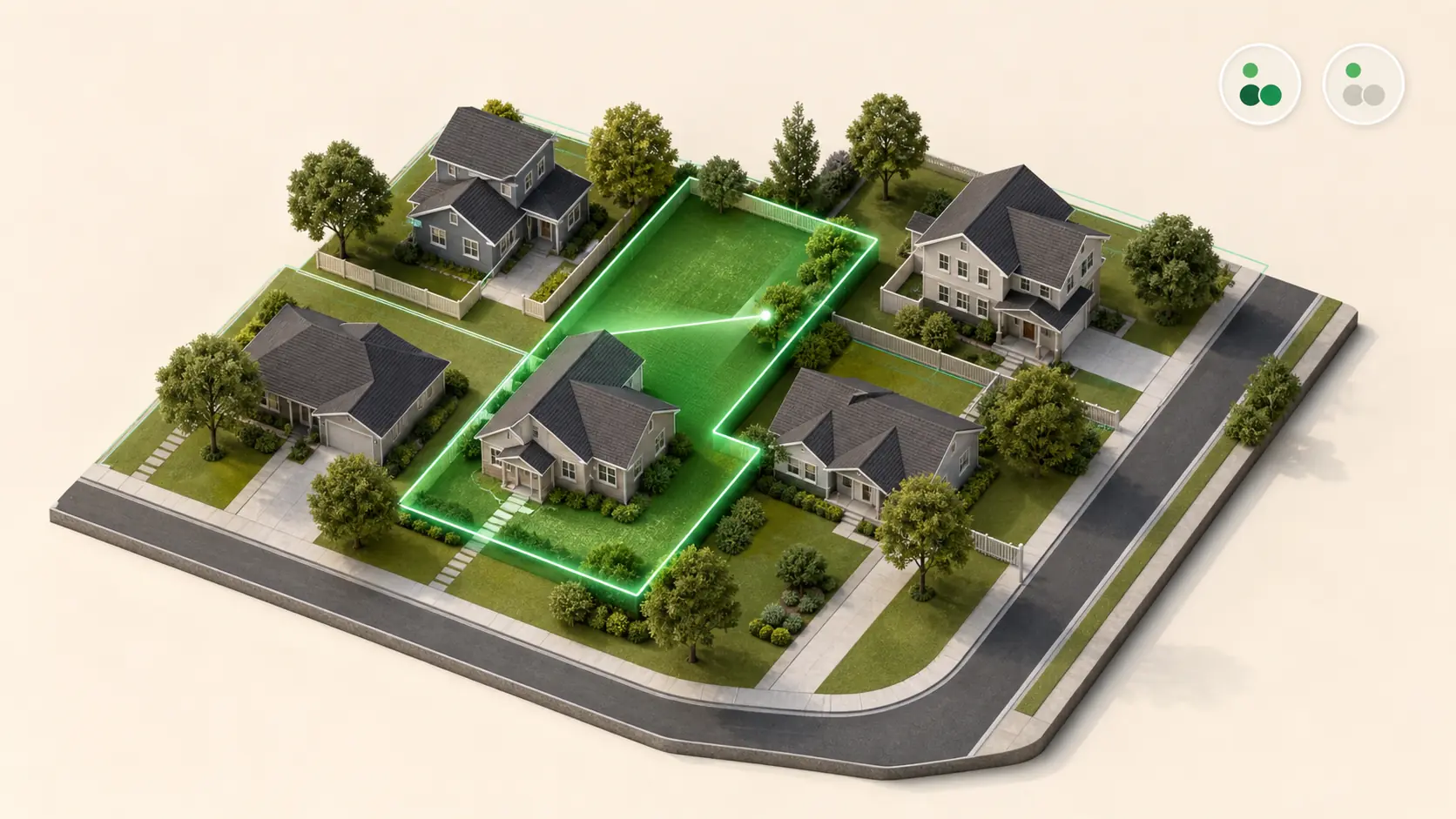
The How Much to Charge calculator now has a second way to find a property. Deep Search is an AI-powered lookup that goes after the addresses Standard Search can't measure — flag lots sitting behind other houses, new builds that aren't in the data yet, oddly shaped acreage. It's live today on Starter, Pro, and Beast Mode. Alongside it, the plan limits on property lookups are now actually enforced. Below is exactly what every plan gets, and the one reason why.
- Address
- 412 Maple Ave, Greenville SC
- Lot size
- 0.34 ac
- Found via
- Deep Search
- Cost
- 1 credit
Illustrative example, not a live lookup. The product's own result card shows only an address and a lot size — not turf area, structures or tree coverage.
A second way to search
Standard Search is the lookup you've always used on the How Much to Charge calculator: type an address, get a lot size, get a price. It's the fast everyday one, and it handles most properties.
Deep Search is for the ones it doesn't. When an address comes back empty or the acreage is an odd shape, Deep Search works the problem much harder with AI instead of giving up. It's for the property you'd otherwise have to drive out and eyeball.
What each plan gets
| Plan | Standard Search | Deep Search |
|---|---|---|
| No account | 5 every rolling 7 days | None |
| Free | 15 / month | None |
| Starter | Unlimited | 30 credits / month |
| Pro | Unlimited | 150 credits / month |
| Beast Mode | Unlimited | Unlimited |
Monthly allowances reset on the 1st. The no-account cap is a rolling 7-day window — each search frees up seven days after you ran it, not on a Sunday or on the 1st.
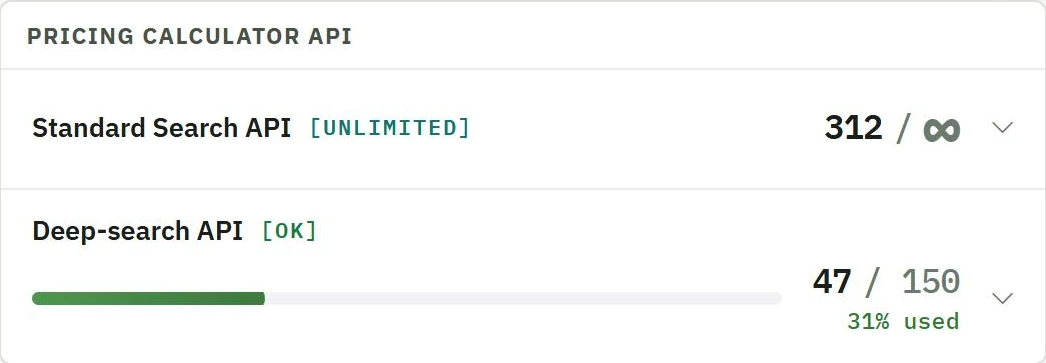
Starter is where the math changes. Standard Search stops counting entirely — unlimited, and it stays unlimited on Pro and Beast Mode. Deep Search turns on at 30 credits a month. Only Beast Mode has unlimited Deep Search; Pro is 150 credits, Starter is 30. There's no plan above Beast Mode.
Free is still a real tool, not a demo. 15 Standard Searches a month prices a few jobs a week, and everything you've already looked up stays yours.
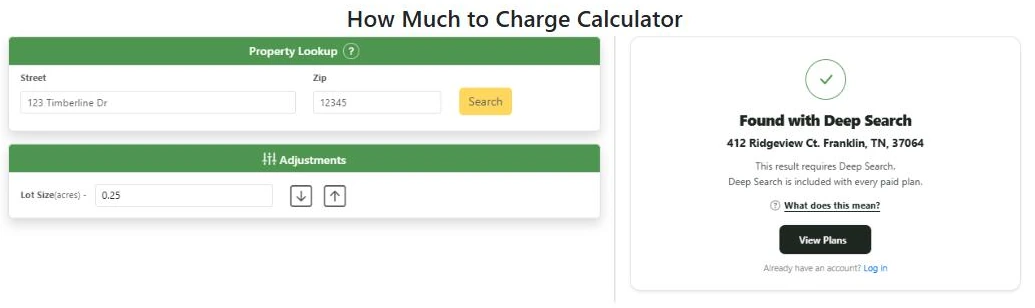
One thing we'd rather name than have you notice on your own: on a Free account, a result is sometimes marked “Found with Deep Search.” That means the property was findable and the measurement exists — it's just behind a paid plan. That's a deliberate teaser. We'd rather tell you the address is measurable than let you think it isn't.
Why the limits are enforced now
Here's the whole reason, and there is no second one: every lookup costs us money. Standard Search hits paid property data. Deep Search adds AI on top of it. We pay per search whether you paid us anything or not.
The How Much to Charge calculator is by far the most-used public tool we've built. It has priced more than a million jobs.
The most popular tool we've ever built is also the most expensive one we run.
LawnBeast has had limits on paper before. We seldom enforced them — we were heads-down building and not paying much attention to the business side, so in practice most people never ran into them. That's the thing that changed. Not the software, not the data, not anything about you. The bill.
And we'll say this plainly too: these numbers are a starting point, not a calibrated answer. We didn't derive them from a careful study of how you work. If a cap turns out to be too tight for ordinary, honest use, we'd rather hear it and raise it than have you quietly stop using the tool.
What happens when you hit a cap
- Only new lookups pause — until your reset date or an upgrade. Your history, your quotes, and your saved prices are untouched.
- Your customers never hit the wall. If your account runs out, your booking page and website widget simply ask the customer for their lot size and carry on. They never see an error with your business name on it. You get a private heads-up instead.
- Used, remaining, and your reset date are on the Plan & Usage page. It needs a login — if you have an account, you'll be sent to log in and land straight there.