The LawnBeast iPhone app is on the App Store
No invite, no TestFlight. Open the App Store link, install it, and sign in with the account you already have.
Since March the LawnBeast iPhone app has been an open beta you had to reach through TestFlight. As of today it's on the App Store. Open the LawnBeast listing on your iPhone, tap Get, and sign in with the account you already use on the website.
01Out of beta
The beta announcement in March asked you to install TestFlight first, accept an invite, and put up with builds that expired. None of that applies any more. Version 1.0.3 is a regular App Store install, it updates the way every other app on your phone does, and it doesn't expire.
Get LawnBeast on the App Store
Reading this on a computer? The link opens the listing in your browser; the install has to happen on the phone. Open it there, or search the App Store for LawnBeast.
The app signs you in with your existing contractor or team member login. There's no account creation in the app, and a customer login is refused — customers keep using their web portal.
02What's in the app
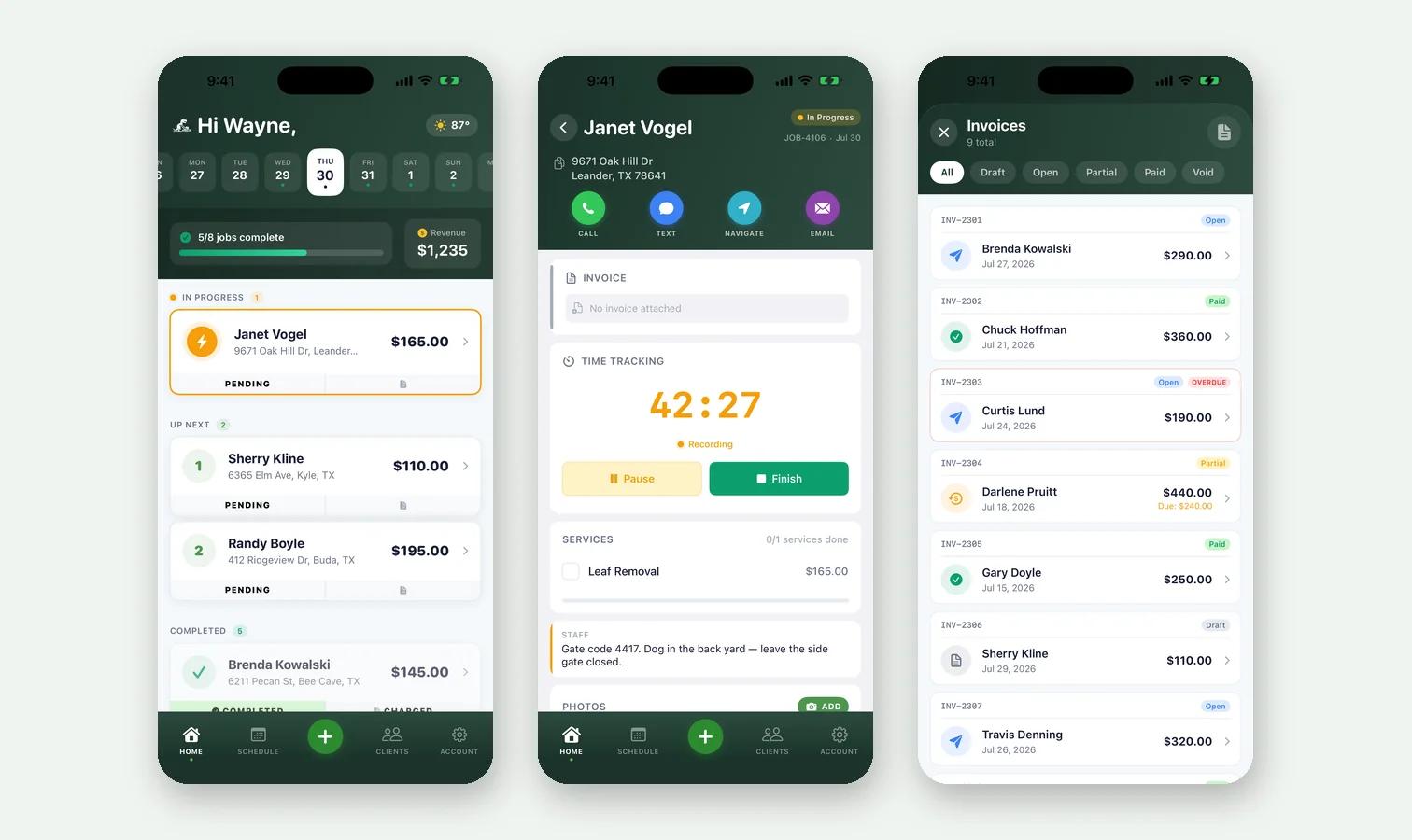
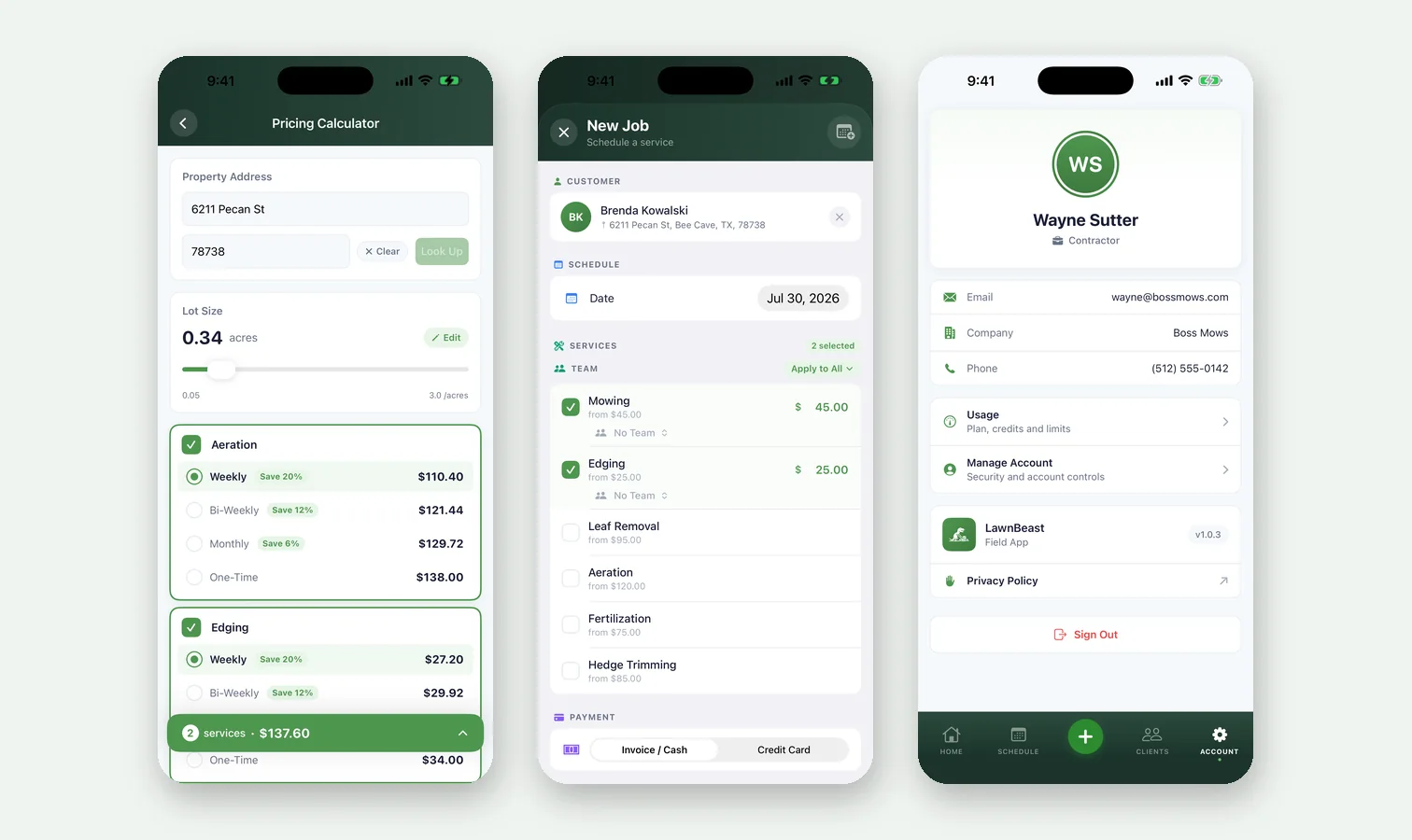
Four tabs — Home, Schedule, Clients and Account — and a + button for starting a job, customer, quote or invoice from wherever you are. The full list is on the iOS Mobile App feature page.
03New since the beta
- Usage on the Account tab. See how much of your plan's metered resources you've used, the same numbers the website shows.
- Archived customers and quotes. Filter to archived, and restore either one from the app.
- Quote lines with quantity, rate and tax. Quotes built in the app total the same way they do on the web.
- Forgot password on the sign-in screen. Contractors are pointed to lawnbeast.com; team members are told to ask their administrator.
- Weather from Apple Weather. The forecast chip on the Home tab now carries Apple's attribution.
Still iPhone only, and still iOS 18 or later.
04If you're on the TestFlight beta
Install the App Store version over it. Same app, same account, nothing to move. The beta stays open for anyone who wants builds early, but it's optional now. The install guide covers the details.