01 Why it's a beta
The app is fully built and already talks to your live LawnBeast account — your customers, jobs, and invoices are in sync. Apple requires every new app to pass a public review on TestFlight before it reaches the App Store, so that's where you'll find it for now. Setup takes about 3 minutes.
02 Everything you use most
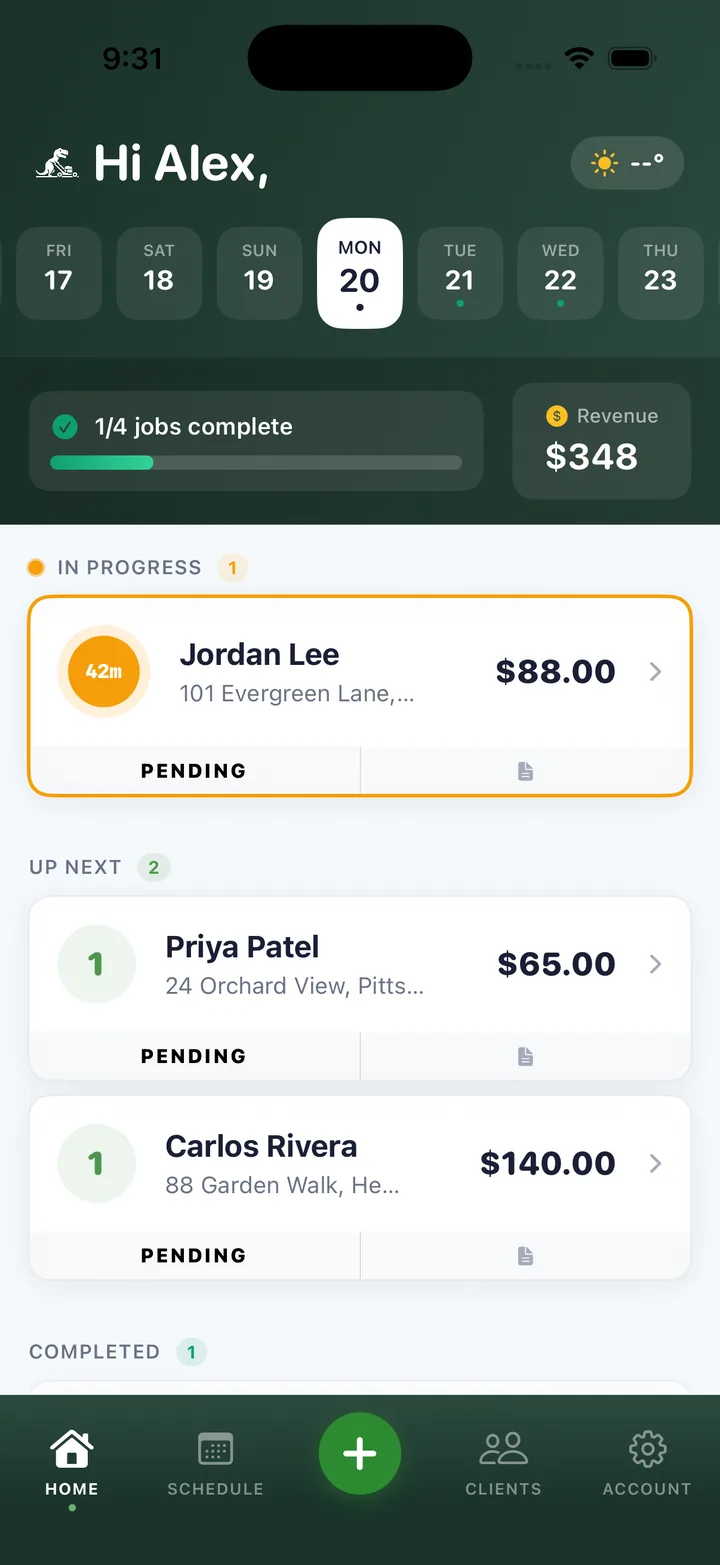
Schedule at a glance
Your full day and upcoming jobs the moment you open the app.
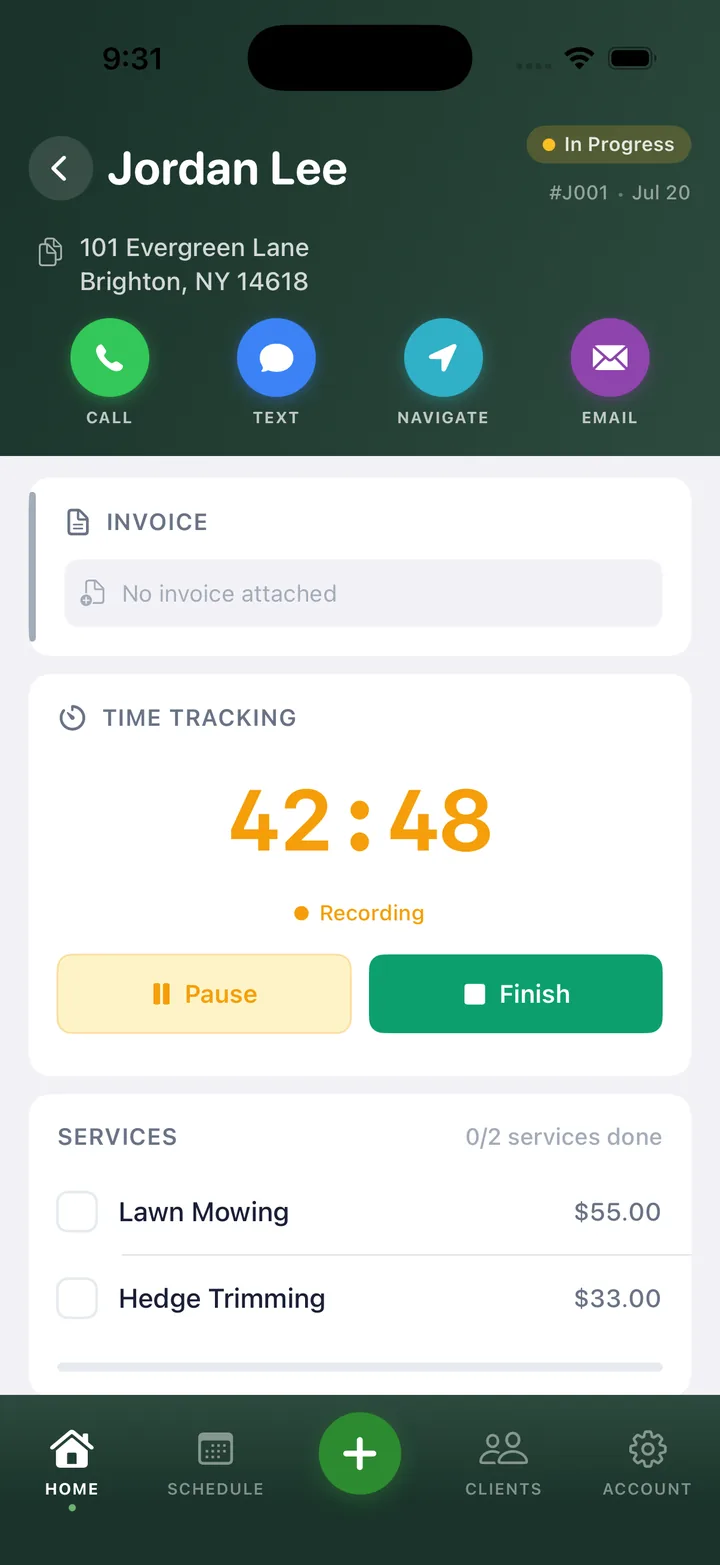
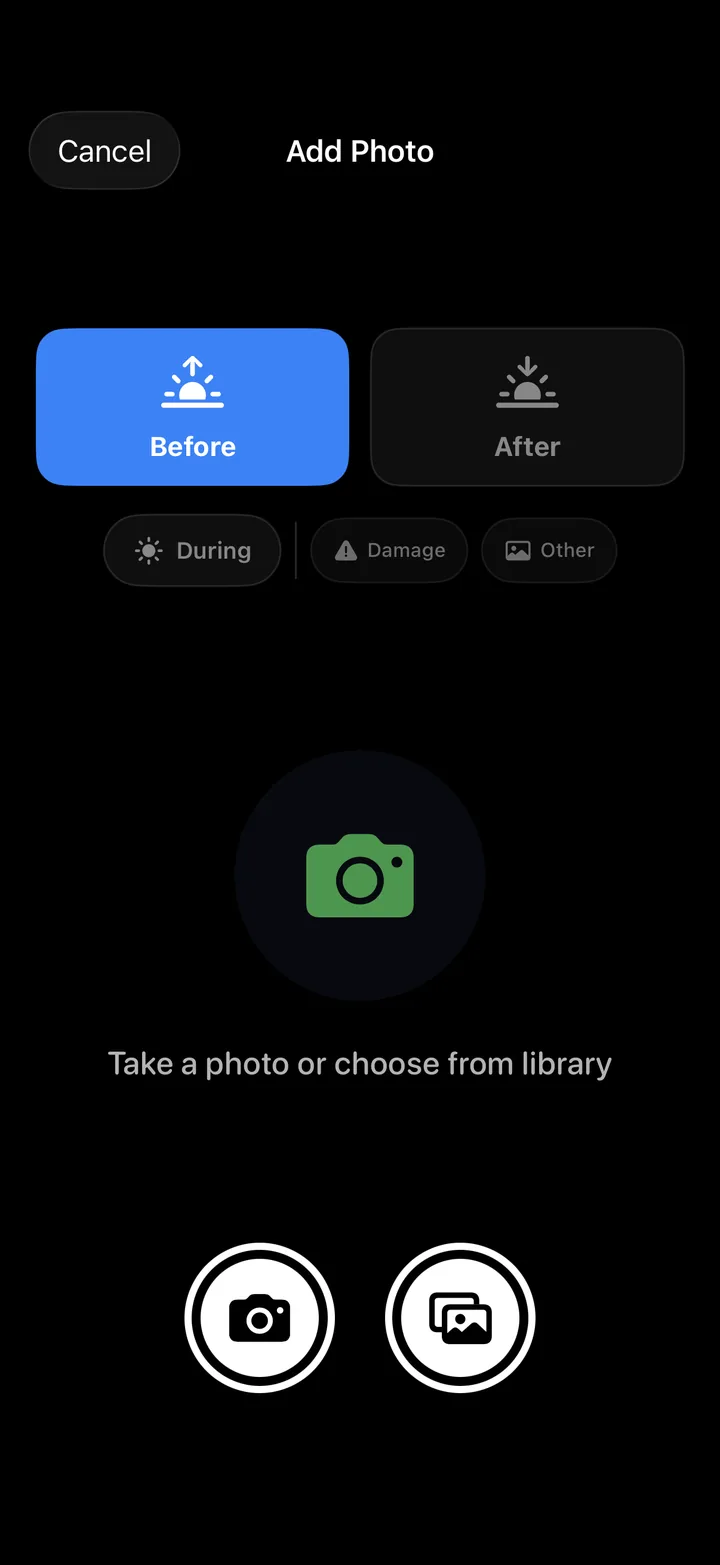
Update jobs from the field
Mark work complete, add notes, and change status without a desk.
Manage your crew
Track team assignments and keep every job organized.
Stay in touch
Reach customers directly from the app whenever plans change.
Follow the money
Check invoice status and payment activity on the go.
03 See the app in action
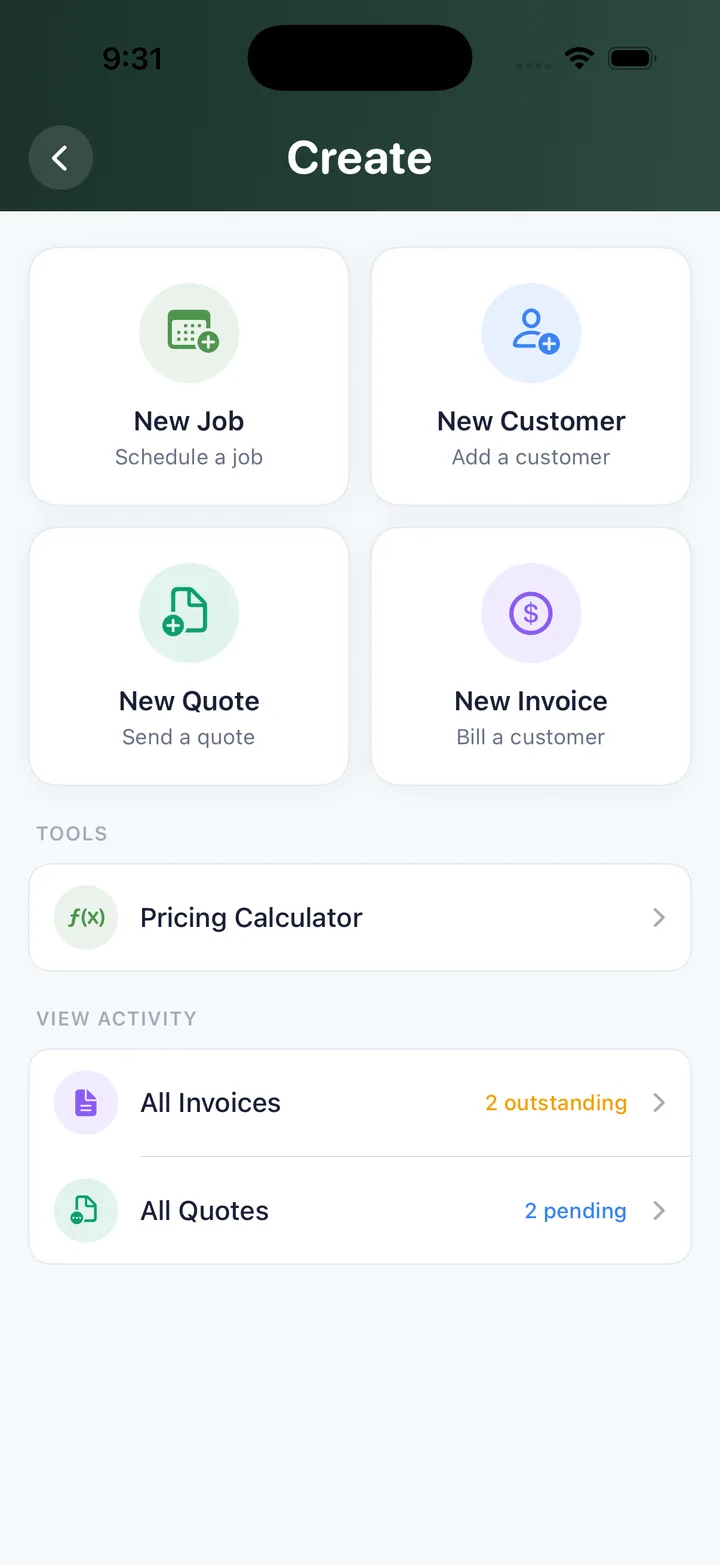
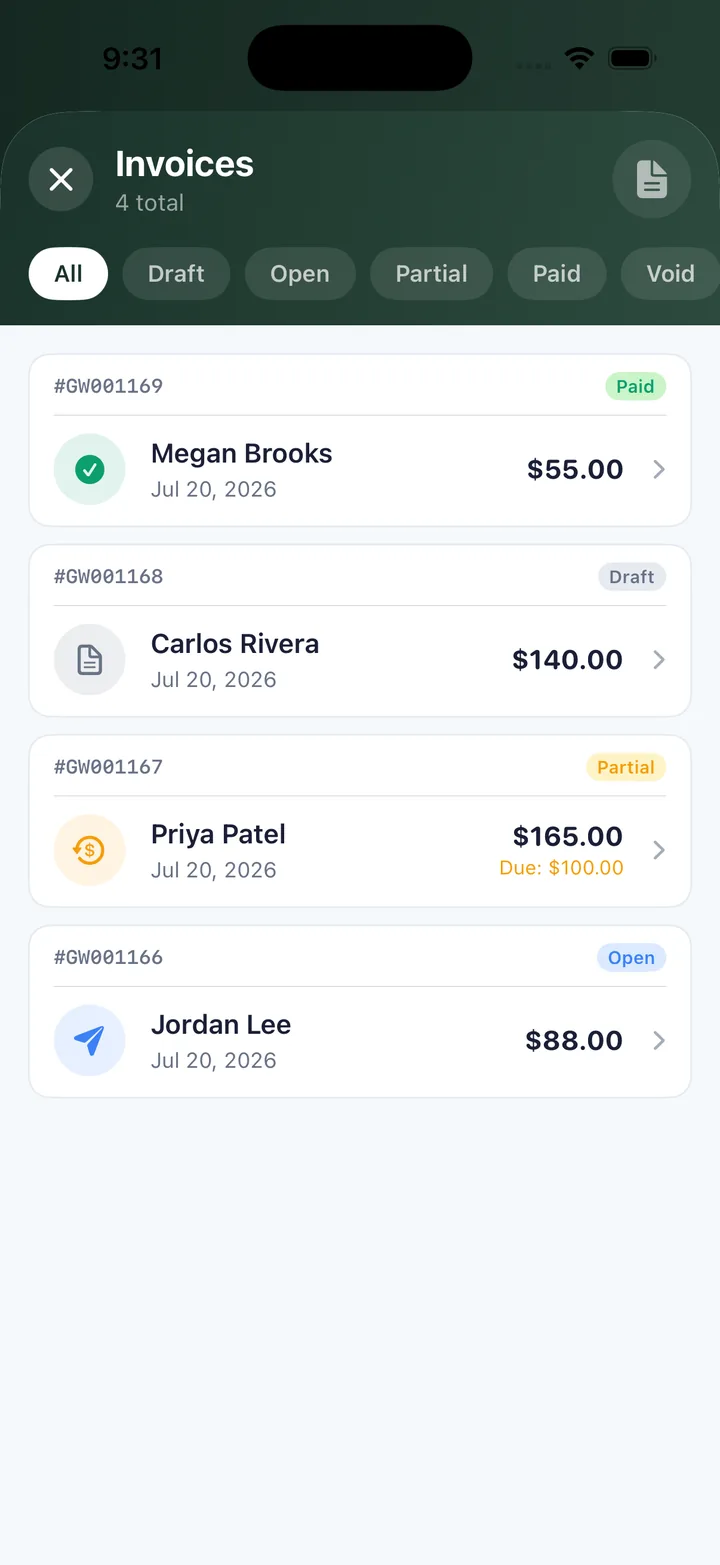
04 Four quick steps
1Install TestFlight. Apple's free app for beta software, from the App Store.
2Open the invite link. On your iPhone — it adds LawnBeast to your beta apps.
3Tap Install. Inside TestFlight, to put the app on your home screen.
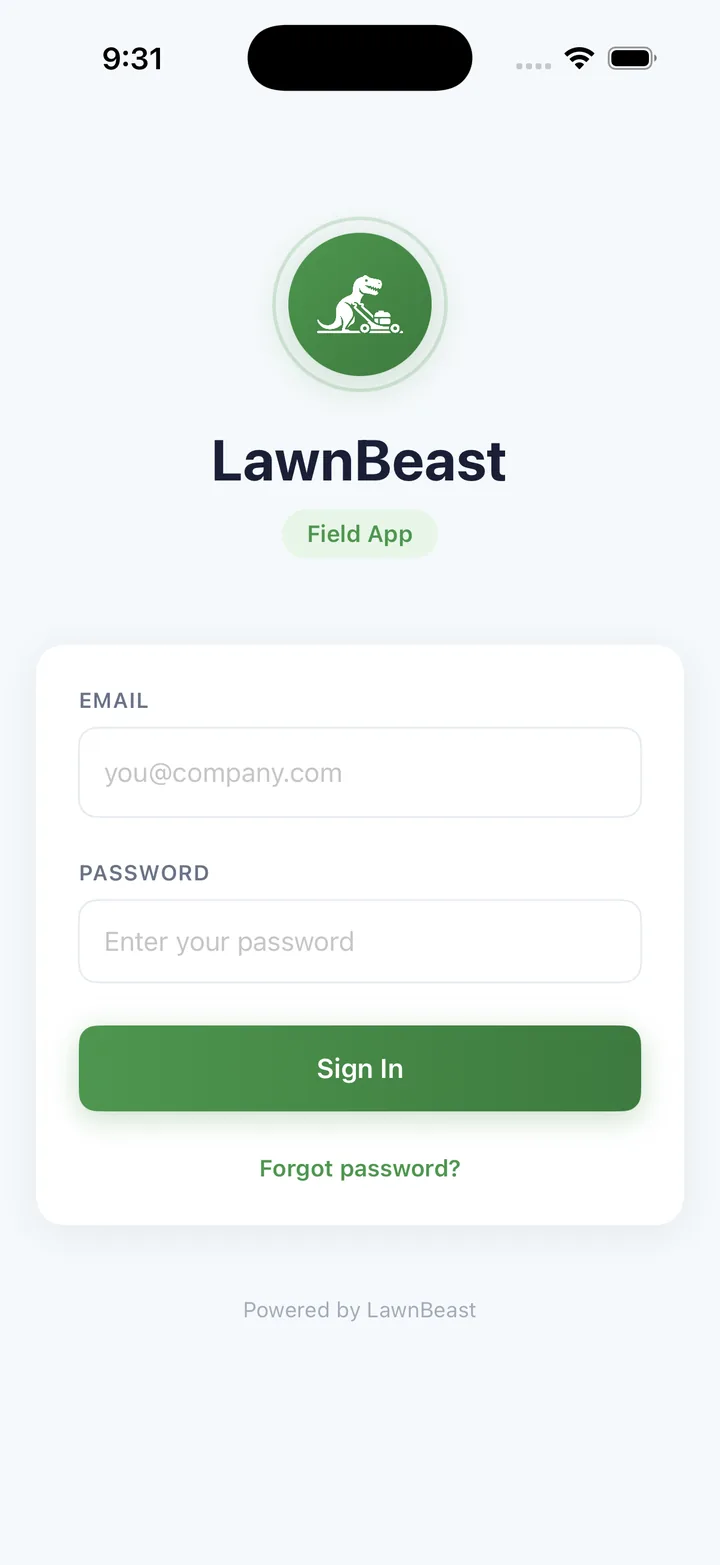
4Log in. With your existing LawnBeast email and password — no new sign-up.
05 Help shape what's next
This is a beta, so you may spot rough edges — that's exactly what this stage is for. Take a screenshot inside the app and TestFlight will prompt you to send feedback automatically, or contact us directly. Your feedback shapes what ships before the App Store launch.
Try the LawnBeast iPhone app today
Free — open to all LawnBeast accounts. See everything the app does on the iOS Mobile App page.